
Secure AI for remote teams means deploying artificial intelligence tools that protect sensitive data, enforce access controls, and maintain compliance regardless of where your employees are working. Without the right safeguards in place, remote AI usage opens your organization to data leaks, shadow IT risks, and regulatory exposure that can be difficult to reverse.
If your team is using AI tools across different cities, time zones, or devices, the question isn't whether you need a security strategy. It's whether the one you have is actually keeping up. This guide covers what makes AI risky in remote settings, which platforms are worth trusting, and how to build habits that protect your business without slowing your team down.

Why Remote Work Changes the AI Security Equation
When everyone works from the same office on the same network, controlling what tools people use and how data flows is manageable. Remote work blows that model apart. Employees are logging into AI platforms from home networks, personal devices, coffee shops, and coworking spaces, often without IT even knowing what tools they're using.
This is where the problem compounds. AI tools are not passive. When a team member pastes a client contract into a general-purpose AI chatbot to get a quick summary, that text may be used to train the model, stored on third-party servers, or processed in ways that fall outside your data governance policy. Multiply that by twenty employees doing the same thing every day, and you have a serious data exposure problem that looks like normal productivity on the surface.
Understanding the security risks built into AI systems is the first step toward making smarter decisions about which tools belong in a remote work environment and which ones don't.
The good news is that secure AI for remote teams isn't about locking everything down. It's about choosing the right platforms, setting clear policies, and building workflows that protect your organization without creating friction that pushes employees toward workarounds.
What Makes an AI Platform Actually Secure for Remote Use
Not all AI tools treat your data the same way. Some are built for consumer convenience and monetize usage data. Others are purpose-built for enterprise environments with compliance, encryption, and access control at the core. Knowing the difference matters enormously when your team is spread across different locations and devices.
Here are the qualities that separate a genuinely secure AI platform from one that just claims to be:
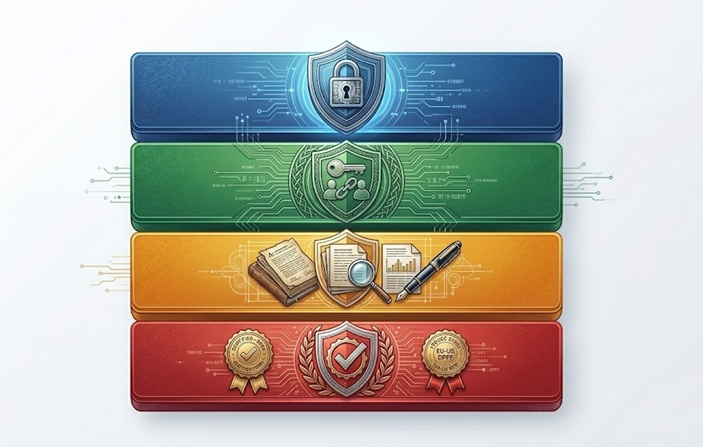
Data Residency and Storage Policies: A secure platform tells you exactly where your data goes, how long it's stored, and whether it's ever used for model training. Look for explicit opt-out options or, better yet, platforms that guarantee zero data retention by default.
End-to-End Encryption: Data should be encrypted both in transit and at rest. This is non-negotiable for remote teams where traffic passes through networks that your IT team doesn't control.
Role-Based Access Controls: Different team members should have different levels of access. An AI platform with granular permissions lets you ensure that junior staff aren't accessing sensitive data that only leadership should see.
Audit Logs: Secure platforms give administrators visibility into who used what, when, and what outputs were generated. This is essential for compliance and for catching misuse before it becomes a serious incident.
Compliance Certifications: Look for SOC 2 Type II, ISO 27001, or GDPR compliance as minimum indicators that a platform has been independently audited for security practices.
AI Tools That Work With Microsoft Teams and Remote Environments
Microsoft Teams has become one of the most common communication hubs for remote and hybrid organizations. The good news is that the AI ecosystem built around it is relatively mature and security-conscious by enterprise standards.
Microsoft Copilot integrates directly into Teams and is designed with enterprise data protection in mind. It operates within your organization's existing Microsoft 365 compliance boundary, meaning your data doesn't leave your tenant. This is a meaningful distinction from general-purpose AI tools that process everything externally.
Beyond Copilot, platforms like Anthropic's Claude for Enterprise, Google Gemini for Workspace, and purpose-built tools like Glean or Notion AI offer varying levels of integration and security controls. The key is evaluating each against your specific compliance requirements rather than defaulting to whatever is easiest to sign up for.
For teams that handle legal documents, financial data, or healthcare information, the choice of AI platform is effectively a compliance decision, not just a productivity one.
A Practical Comparison: Secure AI Platforms for Remote Teams
| Platform | Key Security Feature | Best For |
|---|---|---|
| Microsoft Copilot | Stays within Microsoft 365 compliance boundary | Teams already on Microsoft 365 |
| Claude for Enterprise | Zero data retention options, SOC 2 certified | Organizations handling sensitive client data |
| Google Gemini for Workspace | Integrated with Google's admin controls | Teams using Google Workspace |
| Glean | Enterprise search with permission-aware results | Knowledge management across distributed teams |
| Notion AI | Workspace-contained processing | Project and documentation teams |
Things To Know
- Consumer AI tools are not built for business data. Free or low-cost AI products often use your inputs to improve their models. Never paste sensitive client or company data into them without reviewing the terms.
- Shadow AI is the remote work equivalent of shadow IT. Employees who can't access approved tools will find their own. Giving teams a vetted, secure option is better than banning AI entirely.
- VPNs help but don't solve the AI data problem. A VPN protects your network traffic, but if the AI platform itself stores your data insecurely, the VPN doesn't help. Platform choice matters more.
- Training your team is as important as choosing the right tool. The most secure platform in the world won't protect you if employees don't know what information is safe to input.
- Federated AI models reduce exposure significantly. Some enterprise platforms process data locally rather than sending it to central servers. For highly regulated industries, this architecture is worth prioritizing.
- AI usage policies should be part of onboarding. Remote employees should know from day one which tools are approved, what data can be processed through them, and how to flag concerns.
Building a Secure AI Workflow for Distributed Teams
Choosing a secure platform is the foundation, but the workflow around it determines how well it actually protects your organization day to day. Here's how high-performing remote teams structure their AI usage to minimize risk without creating unnecessary friction.
Step one is defining data classification. Not all information carries the same risk. Publicly available market data is very different from a client's financial records or an employee's personal information. Teams that classify data clearly can make faster, more confident decisions about what's safe to run through AI tools.
Step two is centralizing approved tools. Create a short, approved list of AI platforms that have passed your security review. Make them easy to access. If the approved tool requires fewer clicks than the unapproved one, most employees will naturally choose the right option.
Step three is logging and reviewing usage. Audit logs aren't just for incident response. Regular reviews of how AI is being used across the team reveal patterns, surface potential misuse early, and give you data to improve your policies over time.
Step four is building feedback loops. Remote employees encounter edge cases that policy writers never anticipated. A simple channel for reporting AI-related concerns or questions keeps your security posture current and shows employees that their input matters.
For teams building out their first formal AI workflow, looking at how AI features are typically structured in enterprise contexts can help clarify what controls belong at which stage of the process.
Which Remote Jobs Are Actually Safe From AI Disruption
This question comes up constantly in conversations about AI and remote work, and it deserves a straightforward answer rather than false reassurance.
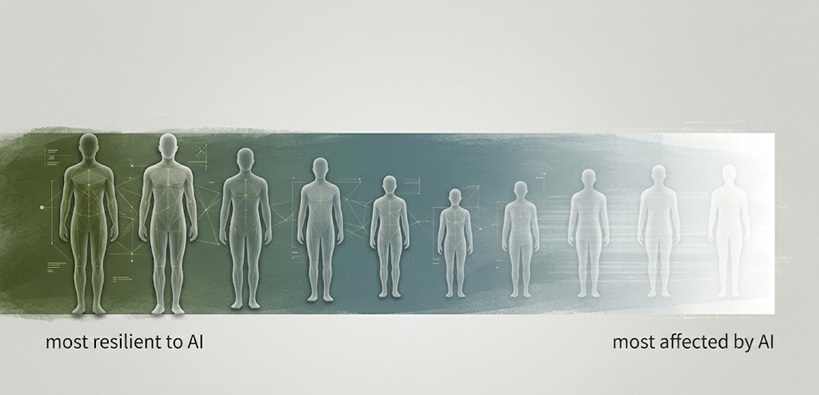
Jobs that require high emotional intelligence, complex judgment in novel situations, physical presence, or deep interpersonal relationships are the most resilient. This includes roles in mental health support, senior leadership, creative strategy, skilled trades (even when managed remotely), and any role where trust between humans is the core deliverable.
Jobs most vulnerable to AI automation in remote contexts are those built around repetitive data processing, templated communication, or tasks where the output can be easily evaluated against a fixed standard. Entry-level data entry, basic customer service scripting, and routine report generation are all facing significant pressure.
The nuanced reality is that most roles will be transformed rather than eliminated. A financial analyst who knows how to use AI tools effectively is more valuable, not less. The differentiator isn't resisting AI. It's understanding it well enough to direct it and catch its mistakes.
The 30% Rule and the 3 C's: Frameworks Worth Understanding
Two frameworks have started appearing in enterprise AI conversations that are worth knowing if you're thinking seriously about how to structure AI use in your organization.
The 30% rule refers to a general guideline that AI tools should be used to handle roughly 30% of a given workflow, with human oversight covering the rest. The logic behind it is practical: AI performs well on defined, structured tasks, but human judgment remains essential for context, ethics, and edge cases. Treating AI as a partial contributor rather than a full replacement tends to produce better outcomes and reduces the risk of unchecked errors compounding over time.
The 3 C's of AI stand for Capability, Control, and Confidence. Capability means understanding what the AI can actually do within your specific context. Control refers to the governance and oversight structures you have in place. Confidence is about knowing how much you can trust the output given your current controls. Teams that score themselves honestly across all three tend to deploy AI more responsibly and catch problems earlier.
Both frameworks are simple enough to discuss in a team meeting but substantive enough to actually improve how remote teams think about AI adoption.
The Case for Taking Secure AI for Remote Teams Seriously Now
The organizations that are building strong AI security habits today are not doing it because they've experienced a breach. They're doing it because they understand that the cost of retrofitting security into a scaled AI workflow is dramatically higher than building it in from the start.
Remote work isn't going away. AI adoption isn't slowing down. The combination of the two creates an environment where data flows faster, across more surfaces, through more tools, than any previous era of work. That's not a reason to be alarmed. It's a reason to be deliberate.
Understanding how AI architecture affects your organization's security posture gives technical and non-technical leaders a shared language for making those decisions together, which is ultimately where good AI governance starts.
Secure AI for Remote Teams: What the Right Approach Looks Like
Secure AI for remote teams is not a one-time purchase or a policy document that lives in a shared folder. It's a continuous practice that combines the right platform choices, clear usage policies, ongoing training, and regular review of how AI is actually being used across your organization.
The teams getting this right are not necessarily the ones with the biggest security budgets. They're the ones that treat AI as a shared responsibility across IT, leadership, and individual employees, rather than a problem that only one part of the organization needs to solve.
If you're ready to go deeper on what a comprehensive approach looks like in practice, the full guide to AI implementation and risk management covers the next steps in detail.
Frequently Asked Questions
What AI can I use with Teams?
Microsoft Copilot is the most integrated option, operating within your existing Microsoft 365 compliance boundary and connecting directly to Teams workflows. Other enterprise platforms like Claude for Enterprise and Gemini for Workspace also offer compatibility depending on your setup.
Which remote jobs are safe from AI?
Roles requiring deep emotional intelligence, complex human judgment, and interpersonal trust are the most resilient, including mental health professionals, senior strategists, and relationship-driven sales roles. Most positions will transform rather than disappear entirely.
Is there a secure AI platform?
Yes, enterprise-grade platforms like Microsoft Copilot, Claude for Enterprise, and Google Gemini for Workspace are built with encryption, access controls, and compliance certifications. The key is matching the platform's security features to your organization's specific data handling requirements.
What is the 30% rule for AI?
The 30% rule suggests that AI should handle around 30% of any given workflow, with humans overseeing the remainder to catch errors and apply judgment. It's a practical guideline for preventing over-reliance on AI in high-stakes business processes.
What are the 3 C's of AI?
The 3 C's stand for Capability, Control, and Confidence, a framework for evaluating how well your organization understands, governs, and trusts its AI tools. Teams that assess all three honestly tend to deploy AI more responsibly and catch problems before they scale.